WordPress Developer
Dhaka - Full-Time - $50,000 to $100,000
Talentora helps site owners publish jobs, collect applications, review candidates, update applicant status, export submissions, and customize the experience without leaving WordPress.
Current plugin version in the WordPress readme: 0.0.1. Requirements: WordPress 5.8+ and PHP 7.4+.

Dhaka - Full-Time - $50,000 to $100,000
Remote - Engineering - Apply online
Design - Contract - Deadline tracked
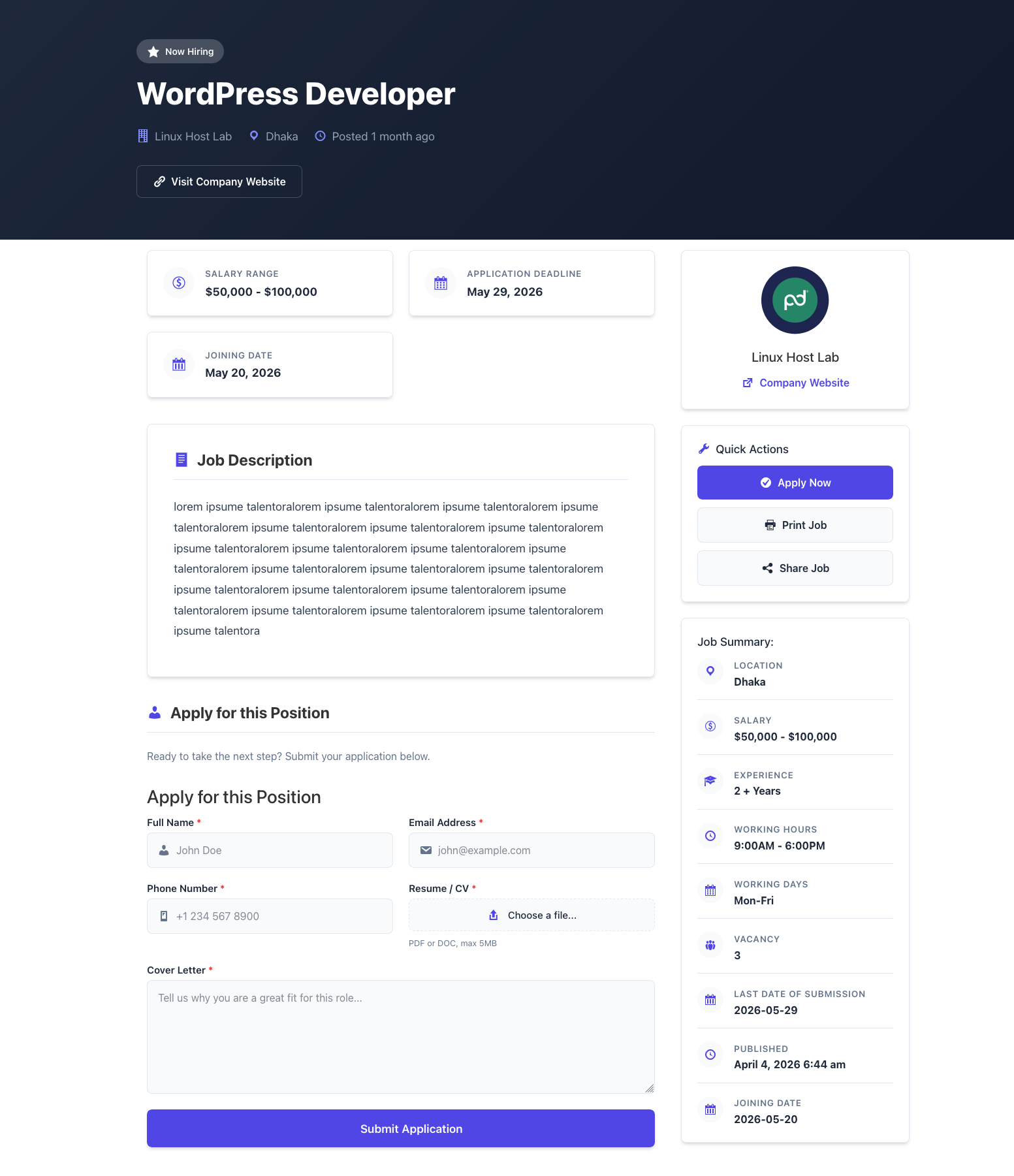
These features are taken from the plugin readme, documentation, and source code so the landing page stays accurate to the current build.
A dedicated public custom post type for jobs with clean job URLs and support for title, editor, and featured image.
Organize listings with hierarchical job categories and hierarchical job types such as Engineering, Full-Time, Remote, and more.
Add location, salary range, deadline, company name, company website, company logo, and filled/expiry controls.
Collect full name, email, phone, resume/CV, and cover letter with server-side validation and AJAX support.
Applications are stored as private WordPress posts and managed from Talentora - Applications in wp-admin.
Use configurable statuses such as Pending, Reviewed, Shortlisted, Rejected, and Hired with activity tracking.
Export application records to a spreadsheet-ready CSV file directly from the Applications list screen.
Send admin new-application emails, applicant confirmation emails, and applicant status-change emails with templates.
Template overrides, filters, actions, namespaced classes, PSR-4 autoloading, and translation-ready strings are included.
The hero no longer uses the WordPress plugin banner as a background. The banner is reserved for branding assets, while the product screenshots demonstrate the real admin and frontend workflow.
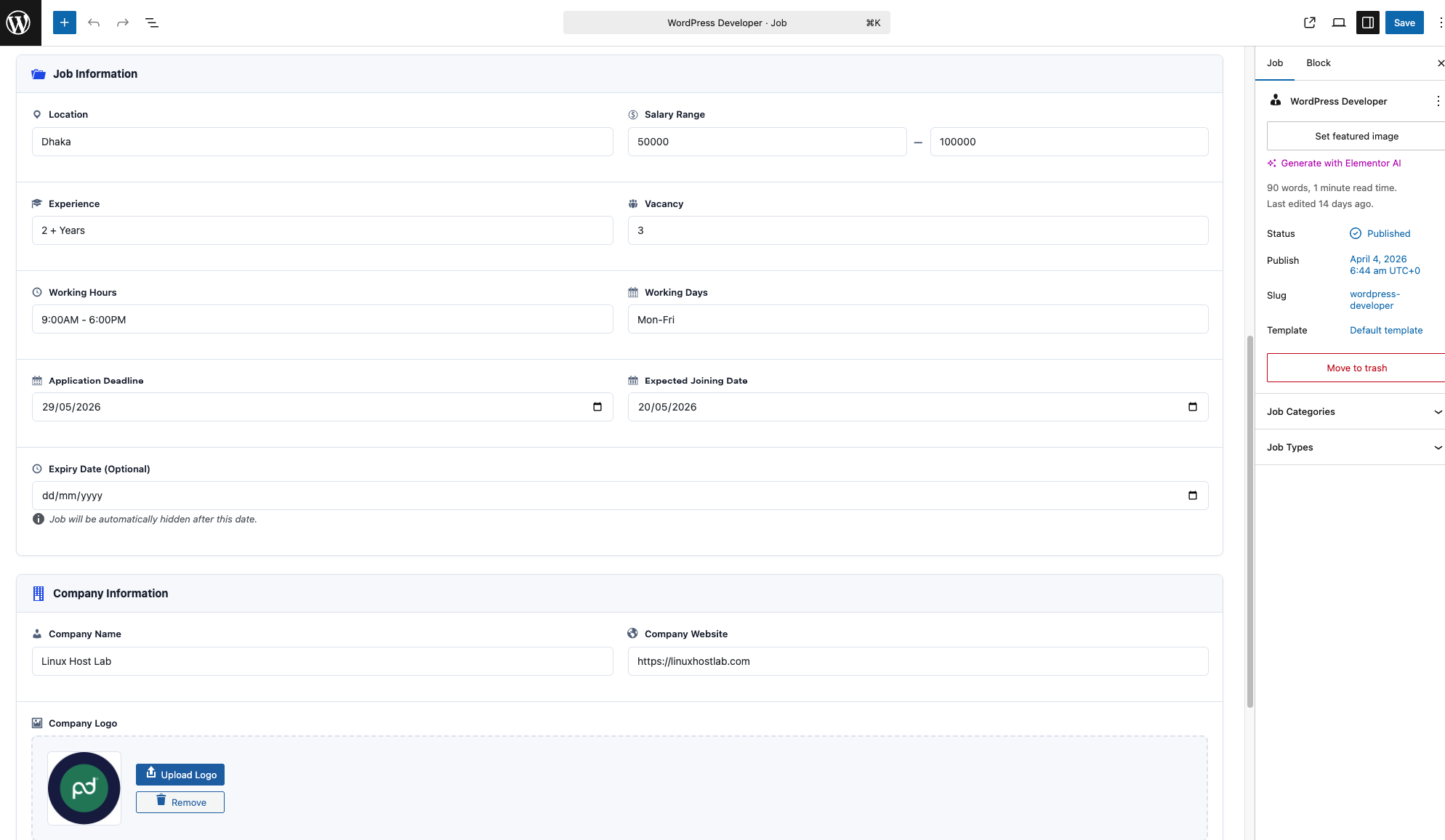
This section summarizes the docs in a landing-page-friendly format so visitors can understand the full workflow before installing.
[talentora_jobs]
[talentora_jobs posts_per_page="15"]

[talentora_application_form]
[talentora_application_form job_id="123"]

[talentora_apply_form]
[talentora_apply_form form_shortcode="[contact-form-7 id='123']"]Talentora can use its built-in application system or render a third-party shortcode-based form when configured in settings.
talentora_app.Talentora follows a namespaced OOP structure and gives developers safe extension points for templates, queries, classes, shortcodes, and display behavior.
talentora_jobs_query_argsFilter the WP_Query arguments used by job listings.talentora_apply_form_shortcodeSwap or modify the external apply form shortcode per job.talentora_job_card_classesAdd custom classes to job cards in the listing UI.talentora_currency_symbolFilter the global currency symbol used around salary values.talentora_before_job_listRender custom content before the job listing output.talentora_after_single_jobRender custom content after a single job page.Create your-theme/talentora/, copy single-talentora_job.php or archive-talentora_job.php from the plugin templates/ folder, then customize the copied version in your theme.
The items below come from the public FUTURE-FEATURES.md file. They are roadmap items, not current features.
Employer job submission from the frontend, including guest or registered submissions, moderation, notifications, and approval workflow.
A frontend dashboard for employers to view jobs, edit listings, see application statistics, mark jobs filled, and renew expired listings.
Native blocks for job lists, single jobs, job search, featured jobs, and recent jobs.
AJAX filtering, salary range filters, date posted filters, remote/on-site filters, and saved search preferences.
Dedicated employer and candidate roles, custom capabilities, role-based dashboards, and application tracking per role.
Future premium concepts include paid job listings, featured jobs, analytics, resume database, AI matching, subscriptions, and multi-currency support.
The plugin banner is displayed here as a branding asset instead of being stretched behind the hero content.
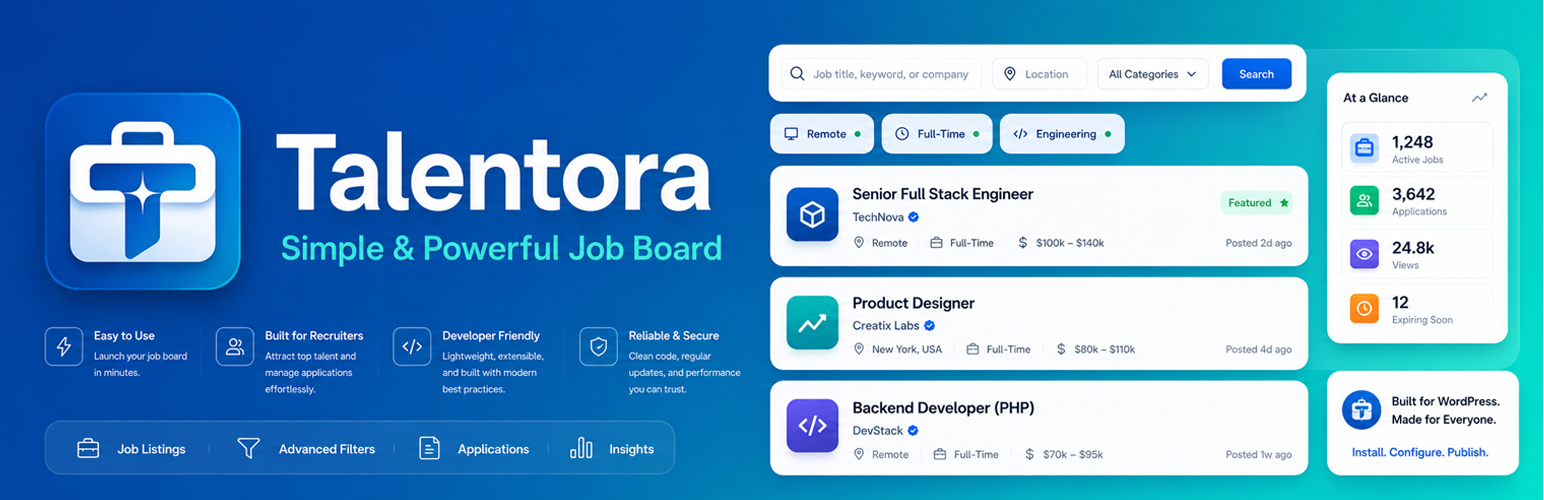
Install Talentora, add your first job, place the shortcode on a page, and start receiving applications directly in WordPress.